Before you start
To add a phone number, you'll need:
- An organisation already added to your account
- Sufficient account balance to purchase a number
- Your organisation selected in the portal
Number types
Siptalk offers several types of phone numbers:
1300/1800 Numbers
National numbers accessible from anywhere in Australia. 1300 numbers are local-rate for callers, while 1800 numbers are free-call.
Virtual Mobile (04xx)
Mobile numbers for SMS and voice services. Great for businesses wanting a mobile presence without a physical SIM.
Local Geographic Numbers
Numbers with area codes for specific cities (02 for Sydney, 03 for Melbourne, etc.). Ideal for establishing local presence.
Navigate to phone numbers
Go to the Services → Phone Numbers section in the portal.

Click the [Add New Number] button to start searching for available numbers.
Search for numbers
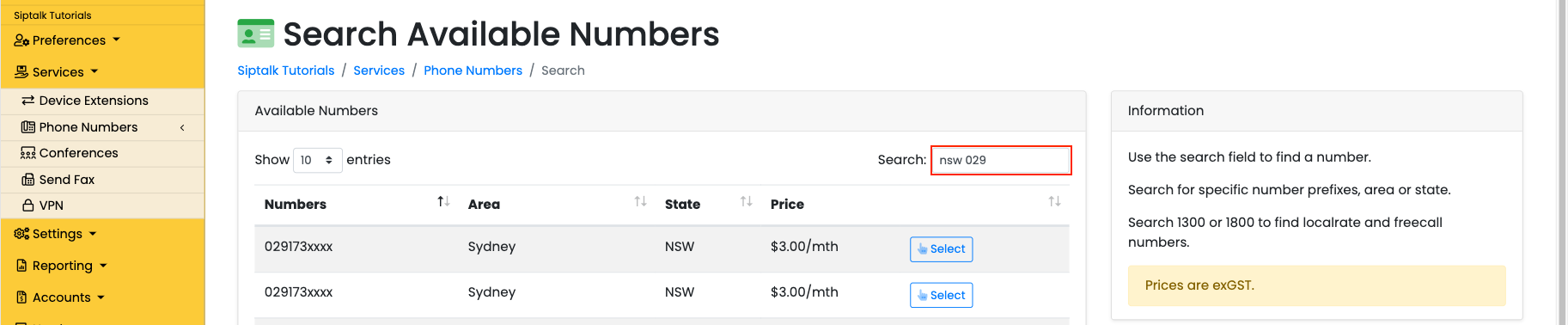
Use the search field to find specific number patterns or locations. Here are some examples:
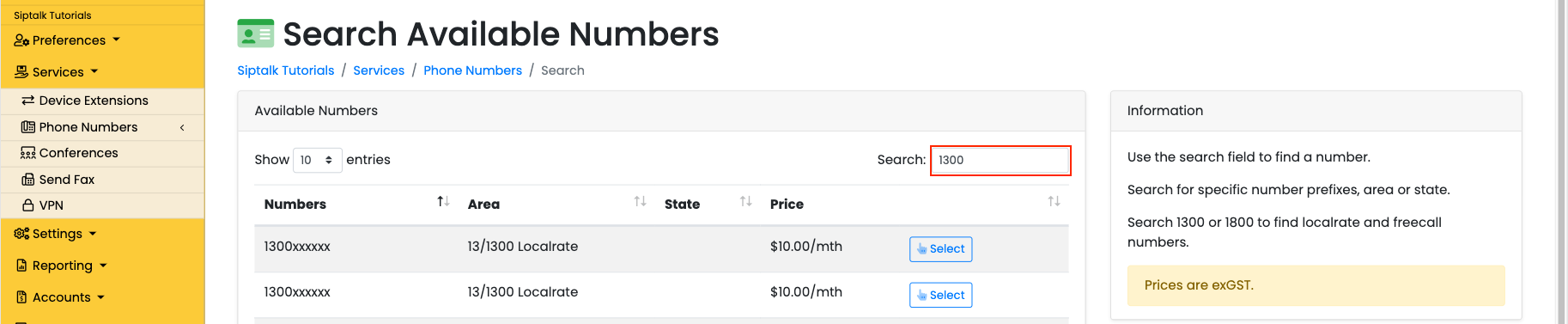
Search for 1300 numbers
Enter "1300" to see available national numbers.
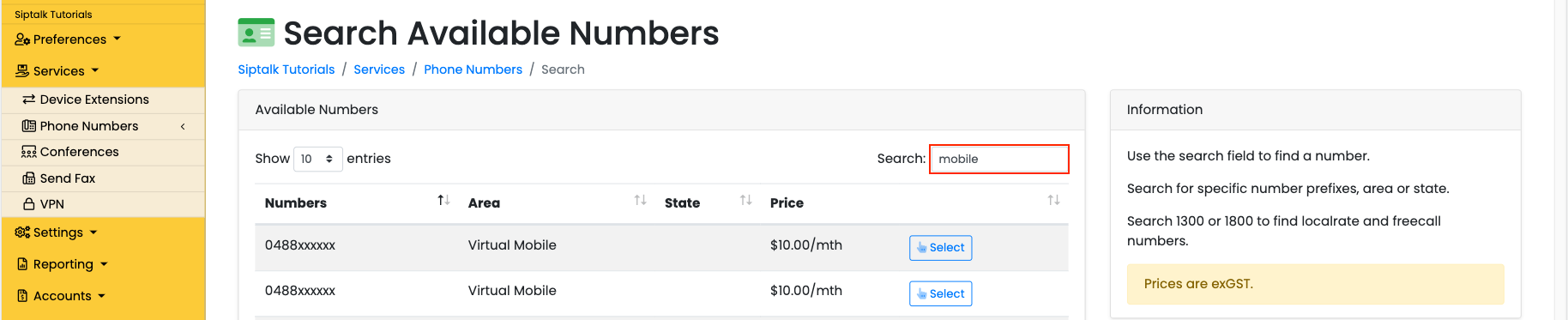
Search for mobile numbers
Search for mobile numbers starting with "04".
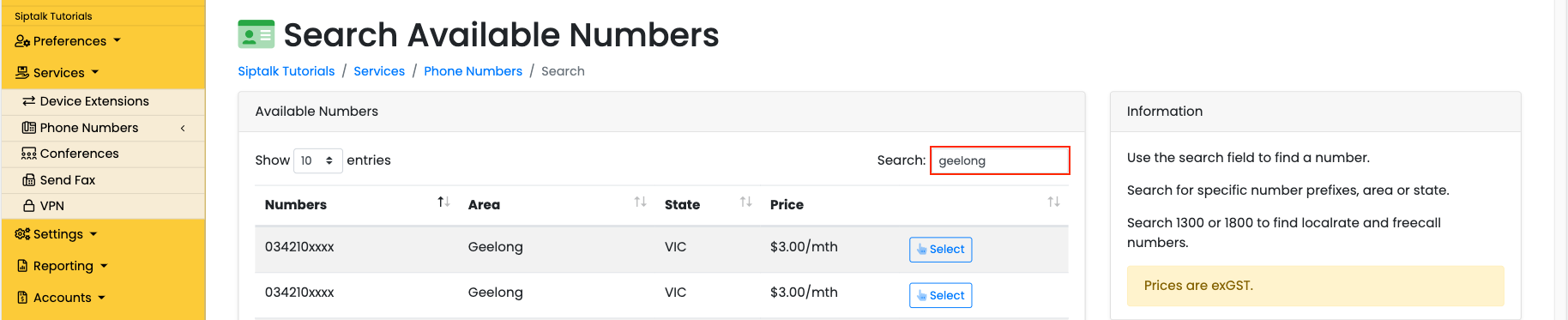
Search by location
Enter a city or area name to find local numbers.
Combine search terms
Combine terms like area and number prefix (e.g., "Sydney 9").
Select and confirm
Once you've found a number you like, click the [Select] button to add it to your organisation.

After confirming, you'll be redirected to the numbers list where you can manage the number and configure its routing.
Troubleshooting
No numbers showing?
Try broadening your search terms or check different number types. Some patterns may have limited availability.
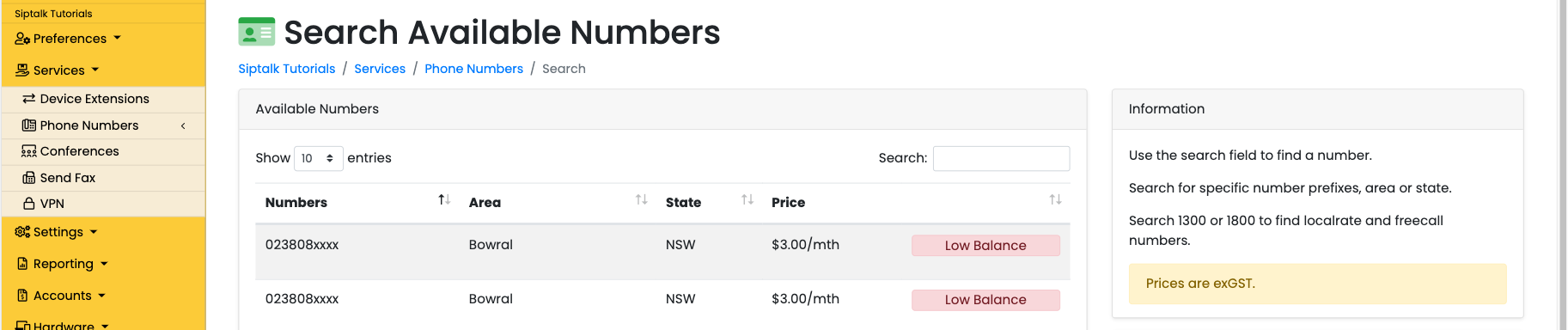
Low balance alert?
Add funds via the Billing section before selecting a number. Numbers require sufficient balance for activation.
Number not activating?
Allow up to 5 minutes for activation, then refresh the page. If issues persist, contact support.