What cancellation means
Cancelling a phone number takes effect immediately:
- The number stops receiving calls
- Its routing configuration is removed
- The number is released from your account
Planning to move this number to another provider? Don't cancel it — a number must be active to be ported.
- Start the port with your new provider, leaving the number active here.
- Wait for the port to complete.
- Come back and cancel the number here. We aren't always notified when a number ports away, so it stays on your account — and keeps billing — until you cancel it.
A cancelled number can't be recovered from the portal.
Before you start
The portal won't let a number be cancelled while other services still depend on it. Check:
- Extension caller ID — no extension may be using the number as its outgoing CLI. Move those extensions to another number first (on each extension's manage page, under Outgoing CLI).
- Linked numbers — numbers linked to this one must be unlinked first.
- Your last number — if this is the only number on the account and you still have active extensions, cancellation is blocked. Deactivate the extensions first.
Find the number
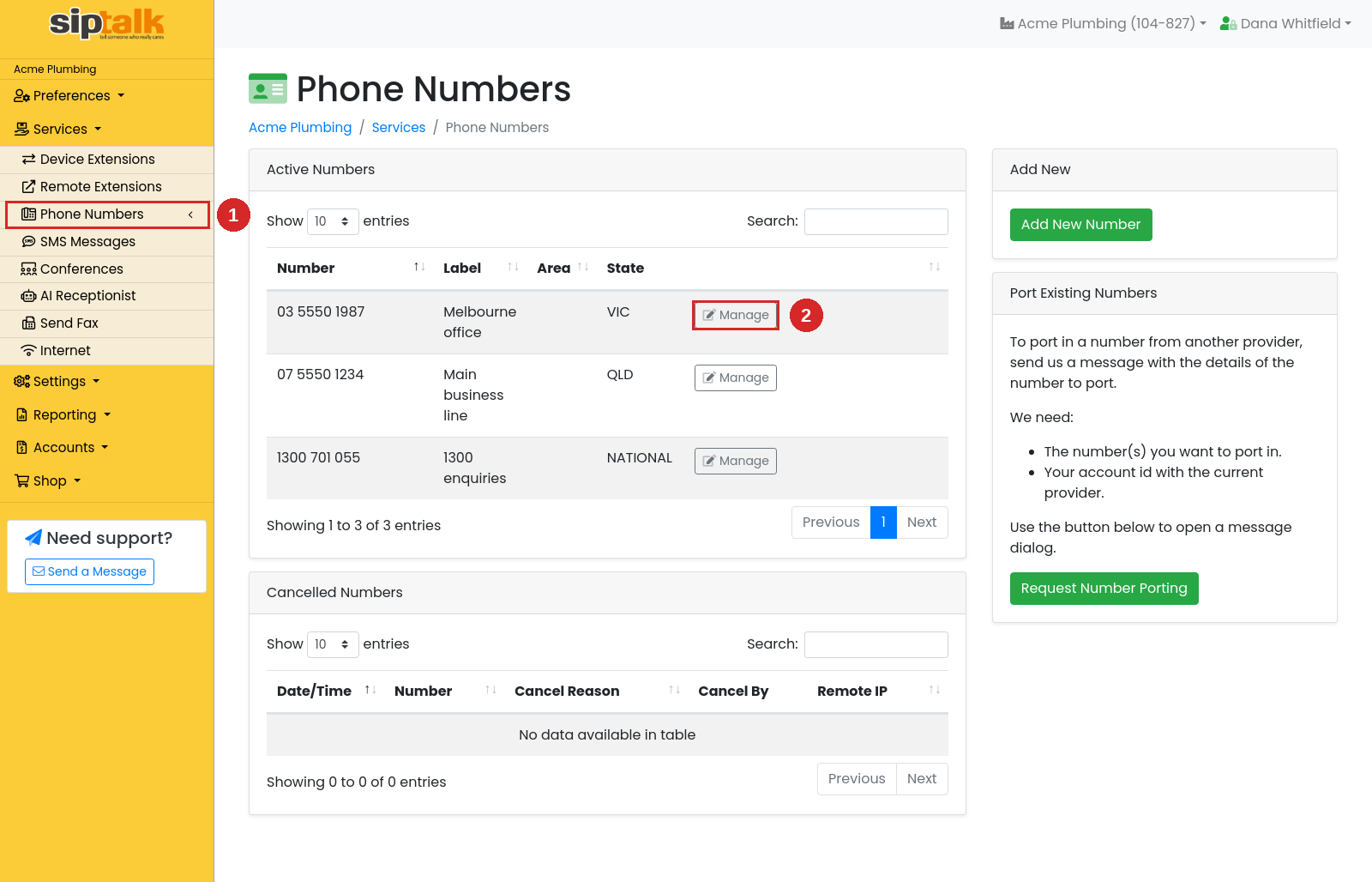
Go to Services → Phone Numbers and click [Manage] on the number you want to cancel.
Cancel the number
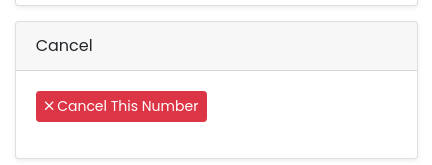
Scroll to the bottom of the right-hand column to the Cancel card and click [Cancel This Number].
Confirm in the dialog that appears:
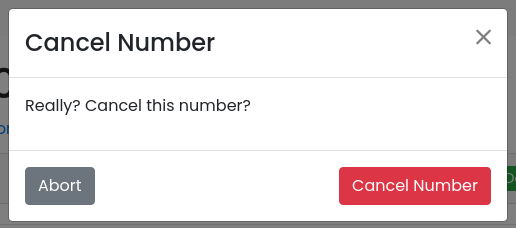
Click [Cancel Number] to confirm, or [Abort] to keep the number.
If cancellation is blocked
When something still depends on the number, the Cancel card explains what's in the way instead of showing the cancel button. For example, when extensions are using the number as their caller ID, they're listed:
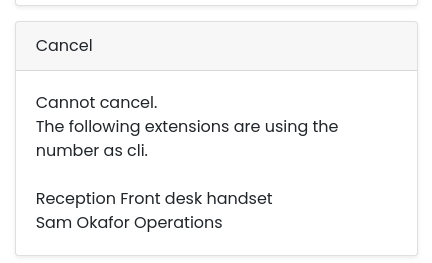
Open each listed extension under Services → Device Extensions → Manage and change its Outgoing CLI to a different number, then return to the Cancel card.
After cancellation
- The number moves to the Cancelled Numbers table at the bottom of the Phone Numbers page, with the date and who cancelled it
- Callers to the number no longer reach you
- The number is no longer yours — it may eventually be reissued
Troubleshooting
Cancelled by mistake?
Contact support straight away via Need support? → Send a Message in the portal. The sooner you get in touch, the better the chance the number can be reallocated to you.
The Cancel card doesn't appear
Cancellation is only available to portal users whose role allows it. If you don't see the card, ask your account owner.
Already ported the number to another provider?
Cancel it here once the port is complete. Porting away doesn't automatically close the service on our side — we aren't always notified when a number ports out, so it remains on your account (and continues to bill) until you cancel it.
Cancelling the whole account?
Deactivate your extensions first, then cancel your numbers — the last number can't be cancelled while extensions remain active.